Table of Contents
What is the user interface?
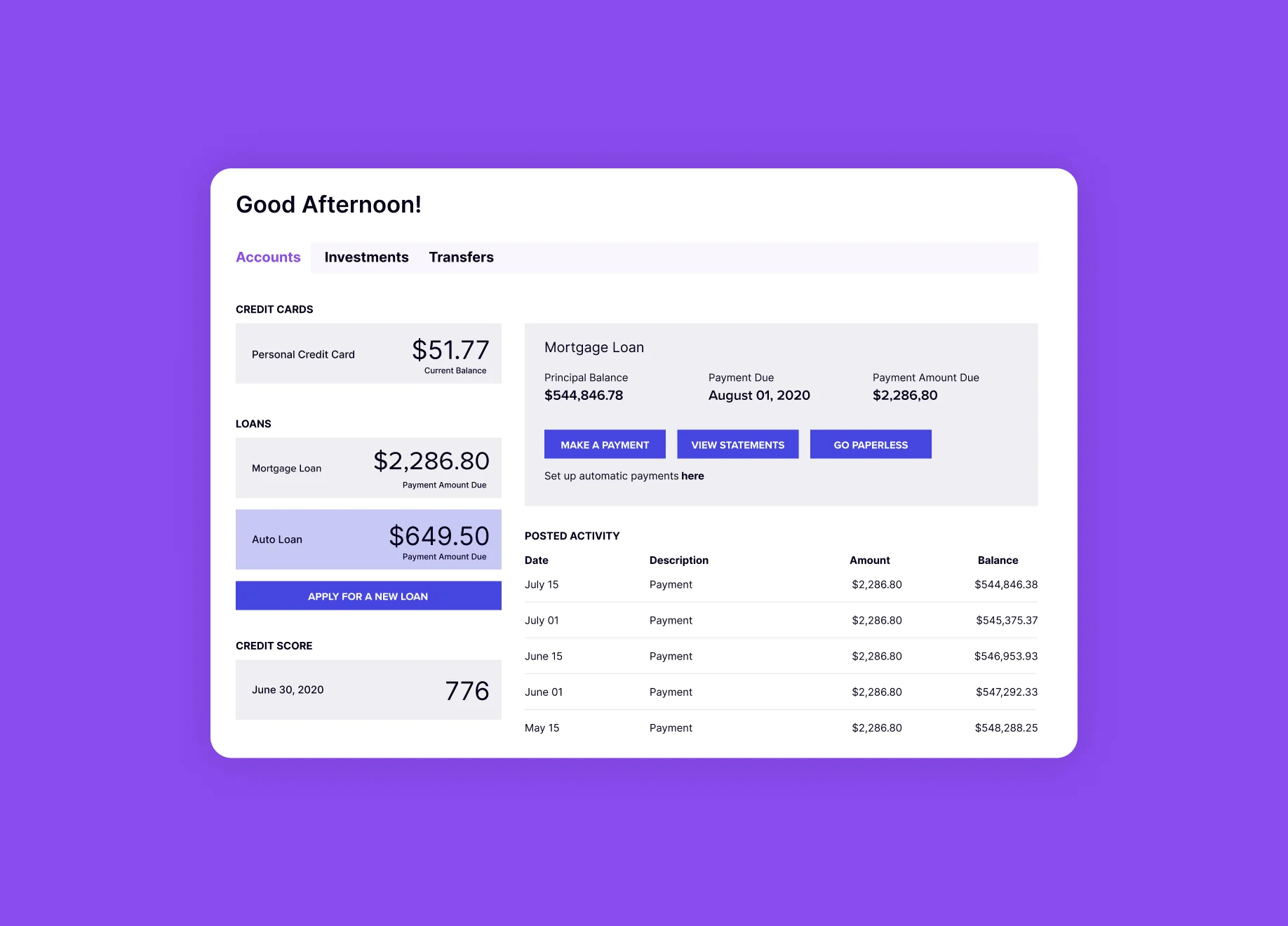
The user interface (UI) is the “surface” of any application or website. It is the entire visual makeup of the software and how all the assorted and collective parts of the software are conveyed to a user. The UI consists of three primary categories:
- Layout: The UI layout is the overall look and feel of an app or website, including the structure and spacing of each screen and relationship between components on the screen, the general placement of core components to create and define the frame within the screen, the overall design language that is used to lend the software an identity, transitions between pages and components, and the colors, shapes, fonts, and perspectives that contribute to a cohesive brand.
- Elements: UI elements are the parts of the app or website that make it interactive. Common elements include buttons, sliders, dropdown lists, and text fields. More recently, physical gestures have become core elements of the UI, especially for mobile apps.
- Graphics: Within the UI, graphics are visuals that narrate the frame, screen, or element. Examples of graphics are illustrations, images, animations, videos, and photographs.
What does a UI designer do?
A UI designer is responsible for creating and executing the appearance of an app or website. In the world of software, UI designers are commonly called graphic designers. They determine the aesthetic of all the pieces of the UI and communicate a brand to the user. The artistic makeup of the app or website is their responsibility, beginning with the interests of attracting users, communicating with users, and driving affinity among users. Additionally, UI designers must also ensure the software makes sense, both in terms of conveying objectives via the user interface and in terms of coordinating the layout, elements, and images of the UI with the purpose of the app or website itself.
One way for UI designers to determine if the UI makes sense to users is to ask them directly. IHS Markit, for example, allowed users to switch back and forth between an old and new UI during the new version’s beta phase. When a user switched from one to the other, the team served them an in-app survey asking them why they preferred one interface over the other.
Where can I learn more about UI and user interface design?
For those looking to dig a little deeper into the user interface, there are a number of books on the subject, including “Designing Interfaces” by Jennifer Tidwell, “The Best Interface Is No Interface” by Golden Krishna, and “UI Is Communication” by Everett N. McKay. Coursera also offers online courses on UI design in partnership with the University of Minnesota, and Pendo has published helpful resources on how UI and UX (user experience) relate to each other, as well as the nature of the PX (product experience).
You might also like

https://www.pendo.io/pendo-blog/how-customer-success-teams-can-use-product-insights-to-delight-their-users/

5 ways to improve your product experience, according to Pendo users themselves